

Canvas Quicktip 11
February 04, 2026 / Digital Learning / Tags: Digital Learning, Canvas, Canvas Quicktip
Student View
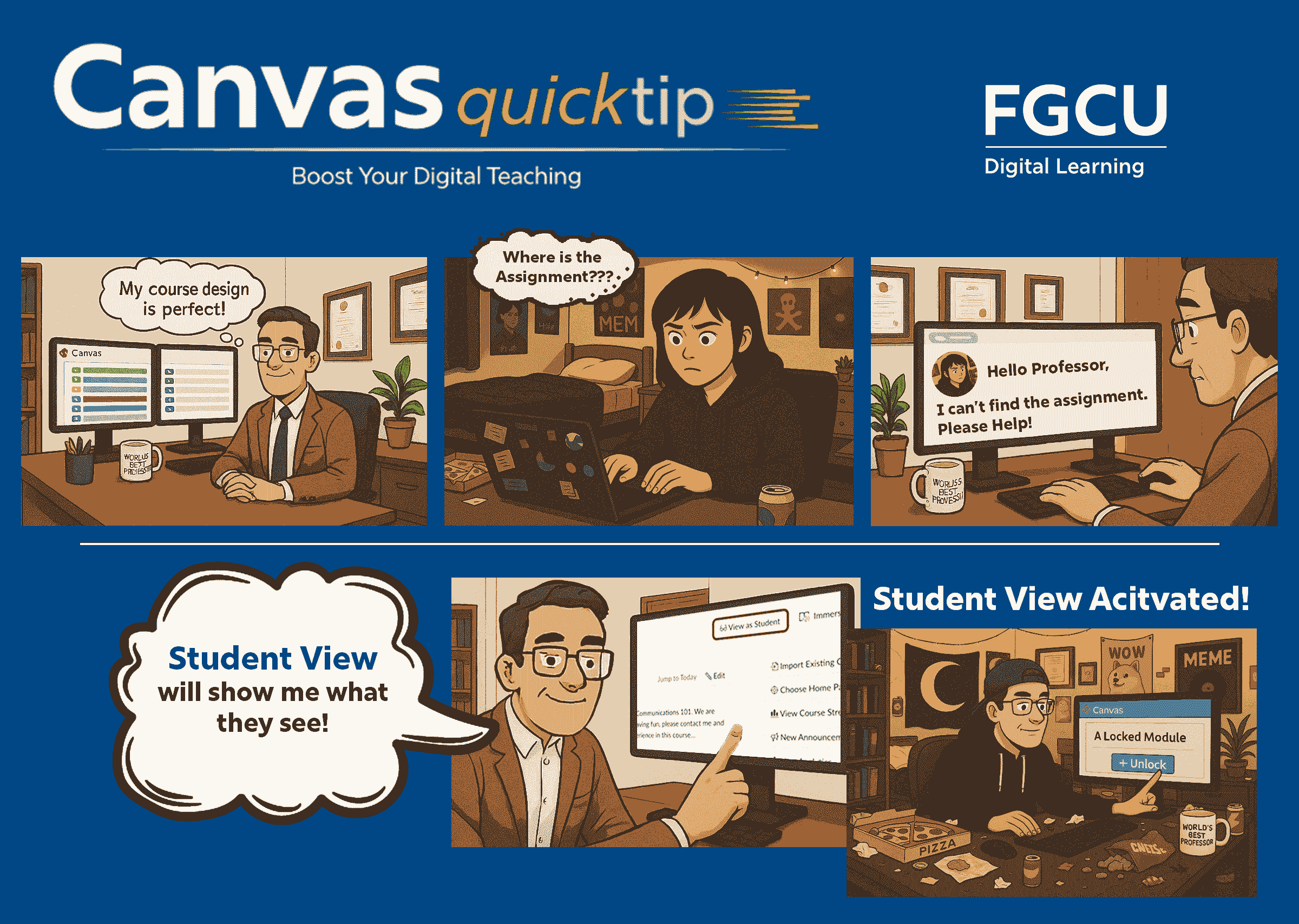
See Your Course Through Your Students' Eyes with Student View!
Student View in Canvas lets you experience your course exactly as your students do. Before publishing content, you can verify that assignments, modules, materials, and navigation links appear correctly and are accessible to learners.
Student View is simple to use. Just click the “View as Student” button, navigate your course as a Test Student, and confirm everything works and looks as expected. You can even submit assignments to test your settings and grading workflows.
For more information check out the How Do I View a Course Using Student View (Canvas Guide)


