

Canvas Quicktip 21
October 13, 2026 / Digital Learning / Tags: Digital Learning, Canvas, Canvas Quicktip
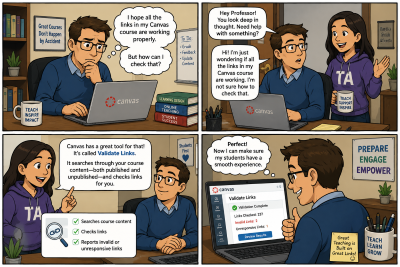
The Validate Links feature in Canvas LMS is a valuable tool for instructors because it helps ensure students can successfully access all course materials without encountering broken or invalid links. As courses evolve over time, links to pages, assignments, files, discussions, or external resources can unintentionally become outdated, unpublished, or deleted. Manually checking every link in a course can be time-consuming and inefficient.
The Validate Links tool streamlines this process by automatically scanning both published and unpublished course content to identify invalid or unresponsive links. This allows instructors to quickly locate and correct issues before students encounter them. Using this feature can improve course organization, reduce student frustration, minimize support requests, and create a smoother learning experience overall.
This feature is especially useful before the start of a semester, after importing course content, or whenever significant course updates are made. By proactively checking links, instructors can maintain a more reliable, accessible, and professional online learning environment.
To learn more on how to use this feature, visit the Canvas Guides: How do I validate links in a course?


