

Where Concepts Become Creations!
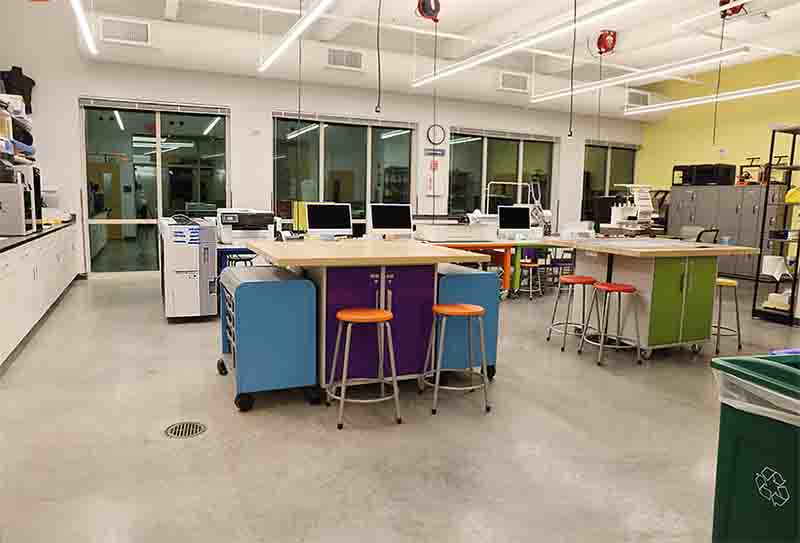
The Rist Family Foundation Makerspace at FGCU is a dynamic hub for innovation where bold ideas and vision come to life. Located in Lucas Hall, this state-of-the-art facility supports every stage of the creative and entrepreneurial process, from initial concept and design to fabrication, refinement, packaging, and shipping. With a diverse range of tools, equipment, and technologies, the Makerspace empowers students and entrepreneurs to transform their vision into real products and ventures, all within a collaborative, innovation-driven environment.
ENROLL IN SAFETY TRAININGLab ReservationsMAKERSPACE VISIT LOG
Makerspace Impact at a Glance
10
Distinct Courses Supported
43
Distinct Sections Supported
842
Service-Learning Hours Earned
14
Campus Programs & Units Served
* Data reflects ongoing Makerspace operations since the Fall 2025 semester.
What You’ll Find in the Makerspace
From quick prototypes to polished products, the Makerspace opens the door to an incredible range of projects. Students use its tools to design merchandise, build product mock-ups, create art and signage, develop packaging, and even prepare items for commerce. Whether it’s experimenting with simple models, crafting functional prototypes, or producing market-ready goods, the space makes it possible to turn creative concepts into tangible results.
-
Fabrication & Prototyping Tools
Toggle More Info -
Printing & Production Equipment
Toggle More Info -
Apparel & Vinyl Tools
Toggle More Info -
Presses & Finishing
Toggle More Info -
Specialty & Crafting Tools
Toggle More Info -
General Tools & Safety Gear
Toggle More Info
From Idea to Action: Getting Started Step by Step
Getting access to the Rist Family Foundation Makerspace is simple. Follow the steps below to get up and running.
-
Step 1: Confirm Eligibility
Toggle More Info -
Step 2: Complete Lab Safety Training
Toggle More Info -
Step 3: Use the Makerspace
Toggle More Info -
Step 4: Complete the Lab Visit Log
Toggle More Info
The Makers Loop
The Makers Loop is a community-driven reuse initiative within the Rist Family Foundation Makerspace focused on giving creative materials a second life through repurposing, prototyping, and hands-on innovation. By transforming clean, reusable materials into resources for student creativity, the program supports class projects, prototypes, entrepreneurial ventures, and experiential learning while fostering a culture of collaboration and sustainability. At its core, The Makers Loop is built on a simple idea: one project's leftovers become another's starting point.
-
What Is The Makers Loop?
Toggle More Info -
Why Donate?
Toggle More Info -
What Can Be Donated?
Toggle More Info -
How It Works
Toggle More Info
Help Launch the FGCU Makers Club
We are starting a new student organization and we want your input. The FGCU Makers Club is currently being formed to bring together students who want to build, create, and bring ideas to life in FGCU’s Rist Family Foundation Makerspace. Whether you want to make things for a business, for class, or just for fun, this club is for you.
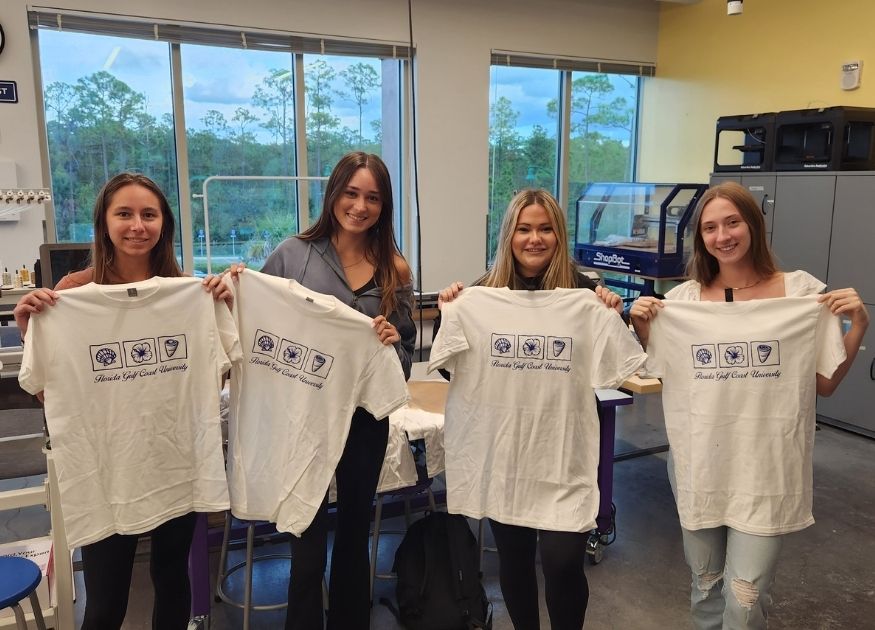
Members of the club will not only work on their own projects, but will also:
-
Help other students with projects.
-
Support Makerspace activities and events.
-
Help staff the Makerspace during new extended hours.
-
Learn hands on skills with advanced equipment.
We are currently gathering interest and looking for founding members and potential student leaders.
Rist Family Foundation Makerspace Staff
| Name | Title | |
|---|---|---|
| Jonathan Schaffer | Entrepreneurship Lab Manager | jschaffer@fgcu.edu |
Frequently Asked Questions
-
Who can use the labs?
Toggle More Info -
How does training work?
Toggle More Info -
What kinds of things can I make in the Makerspace?
Toggle More Info -
How can I earn service learning hours in the Makerspace?
Toggle More Info -
Are there usage or material costs?
Toggle More Info -
Can I store my project in the Makerspace?
Toggle More Info -
How do students protect intellectual property?
Toggle More Info -
How often can students access the equipment?
Toggle More Info -
Who provides help with equipment or media skills?
Toggle More Info -
Can I bring my own materials?
Toggle More Info -
What if something breaks or malfunctions?
Toggle More Info -
Do these spaces help launch real businesses?
Toggle More Info
We're here to answer your questions
Rist Family Foundation Makerspace
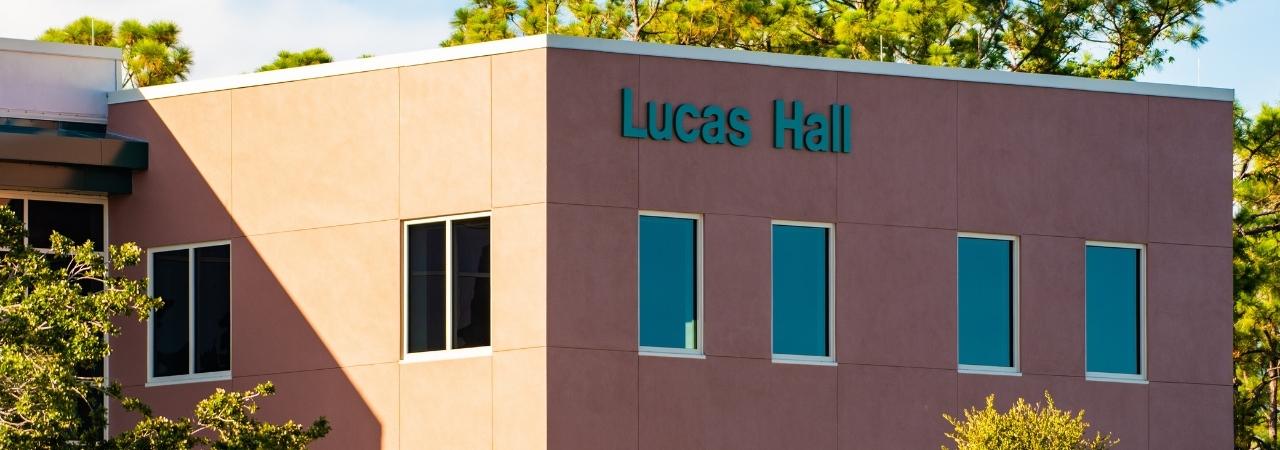
Lucas Hall Room 203
10501 FGCU Blvd S
Fort Myers, Florida 33965
(239) 745-4647
(239) 745-4488


