

Canvas Quicktip 9
January 07, 2026 / Digital Learning / Tags: Canvas Quicktip, Canvas, Digital Learning
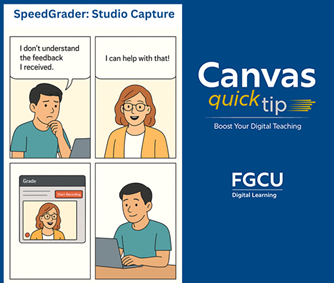
Using the SpeedGrader Studio Capture feature in Canvas to provide audio or video feedback offers a more personal, engaging, and effective way to communicate with students. Unlike text comments, recorded feedback conveys tone, emotion, and nuance to help students better understand instructors’ intentions. It also strengthens instructor presence, fostering connection and support, especially in online and hybrid courses.
Studio Capture can save time by allowing instructors to speak naturally rather than type lengthy comments. Because it’s fully integrated and secure within Canvas, it provides a seamless, accessible way to deliver richer, more meaningful feedback that encourages students to reflect and apply what they learn.
Learn to use the Studio Capture feature: How do I record a webcam video, screen capture, or audio recording as a feedback comment in SpeedGrader?
Missed a tip? Bookmark Digital Learning's Canvas QuickTip Archive and access expert guidance whenever you need a refresh to use Canvas more efficiently and effectively.


